Home << Product Main << Digital Voice Recorder Main

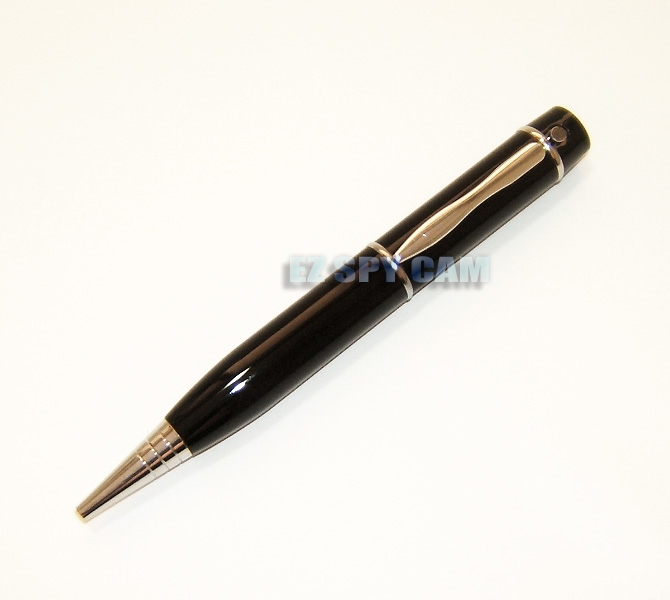
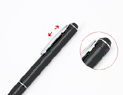
007 Metallic Spy Pen Digital Voice Recorder w/ 144 hr Recording Time

Perfect for long interviews, personal notes, grocery lists, to do lists, or a personal diary!
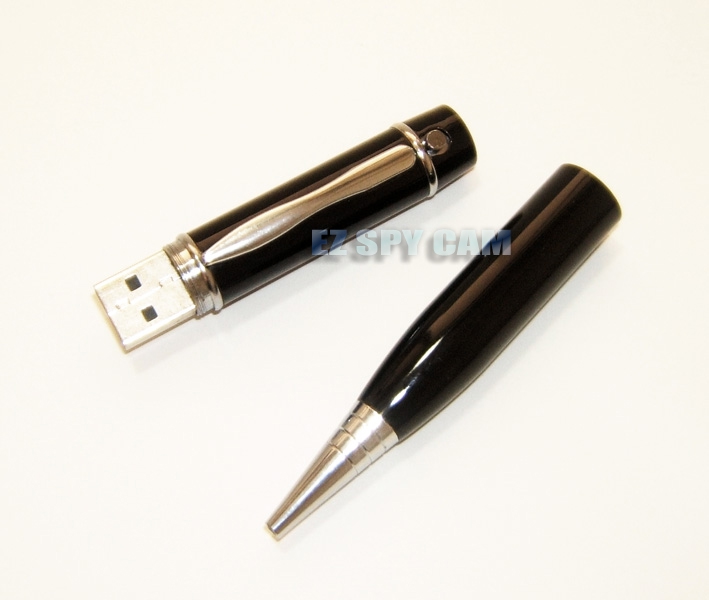
Use it also as Memory Stick to transfer your files
When you plug the recorder in to the USB Port, it becomes another drive to your PC --- Just drag and drop files! The Digital Voice Recorder Pen is ideal for Doctors, Executives, Lawyers, Professors, and Students.
No one will suspect a thing; it's a completely functional ink pen!
This pen is a great addition to your briefcase. Use it to record meetings or take notes. You don't have to sift through hundreds of notes any longer, just playback. Use the pen to record directions while on
your cell phone or to help memorize client names and important dates. It is portable and practical
it even plays MP3's! Listen to playback with earphones or attach to your computer via the USB Connection.


Sale Price $30 off >

US$119.00

Regular Price >

US$149.00


click to enlarge...click to enlarge...


Item#

EDR-902

Description

007 Metallic Spy Pen Digital Voice Recorder w/ 144 hr Recording Time & Rechargeable Battery

Features

  • Supports MP3 and WMA and ASF file format
  • High Quality clear voice recording at distance MP3 Player A-B repeats function
  • USB interface for file transfer and charging
  • Pen ink cartridge can be changed easily
  • Internal Rechargeable Battery (charge through USB Port)
  • Works out of the box with Windows XP or Mac OSX Operating System Support: Windows 98/SE, ME, 2000, XP
  • Linux if Mass Storage Support
  • Macintosh if Mass Storage Support

Specification

  • 2GB Built-in Flash Memory (Forever rewritable after deleting files when full)
  • Stores up to 512 MP3 songs
  • 128-144 Hour Recording Time
  • Automatic Sensitivity Control For Near/Far Recording
  • Self-Charging and built-in Charging Battery
  • Battery Life: 6 hours Recording / 4 hours Playback with earphone
  • Fast Battery Recharging via USB Connection

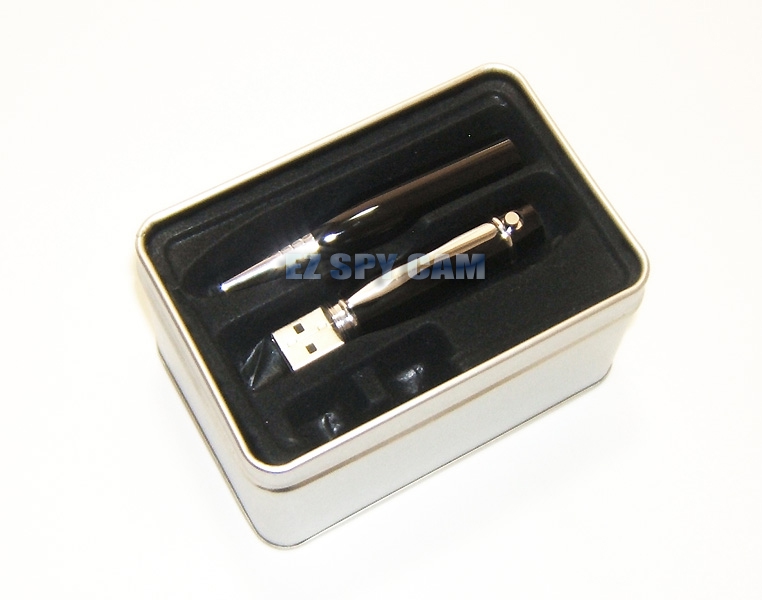
Parts Included

  • Digital Pen Recorderclick to enlarge...
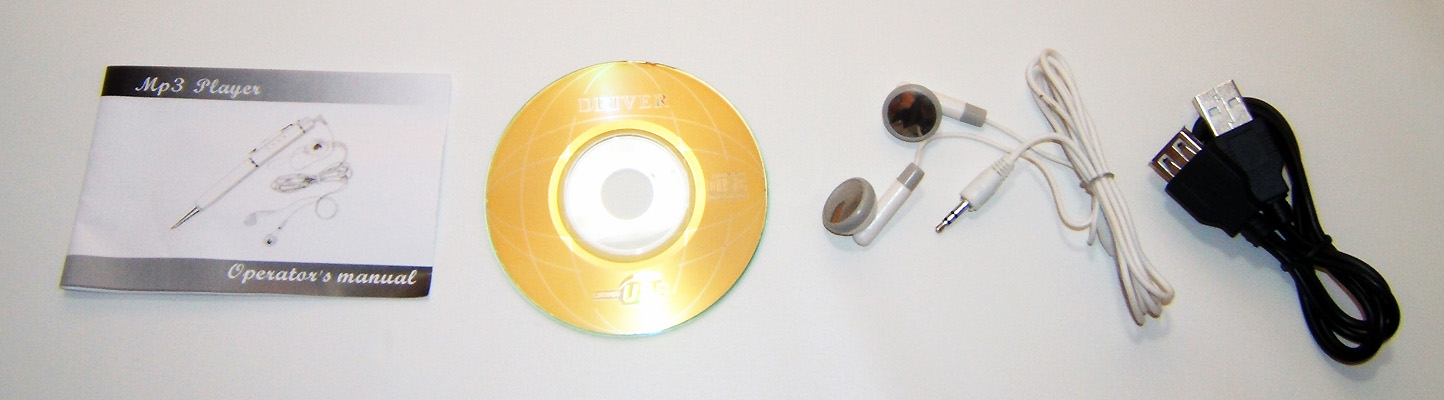
  • Stereo Earphones
  • USB Cable
  • Mini CD Driver Disk for old PCs
  • Spanish Quick Start Guide on Mini CD
  • Printed Instruction Manual

Quick User’s Guide

 
  • The recorder should be charged first via USB connection and formatted in FAT file system from the connected PC; otherwise the recorder would not recognize any button operation.
  • All files including .DAT files on the recorder will be deleted after formatting and the Voice folder will be created automatically when initial recording is processed and all further recording voice files will be saved in that folder.
  • Save or transfer all music files to the root directory of the recorder, otherwise the recorder would not recognize when playback at the MP3 Audio Player mode.
  • Push the button to the right direction and hold about 2 sec to turn on the recorder and repeat this action again to turn off.
  • Click the button to the left direction to change mode after turning the recorder on and every click to the left, the LED color changes in order of Green (Recording) > Blue (MP3 Playing) > Orange (Playback).
  • For the complete covert operation, only a tiny opening is made behind the pen clip and the LED light indication of each operation can viewed and verified through this tiny opening from outside when the pen recorder is completely assembled bottom and top. When the recorder bottom portion is unscrewed and separated from the top, the LED light indication shows through the bottom of the top portion.
  • When the recorder is turned on, the first mode is the recording mode in green LED and recording begins if the button is clicked to the right direction with green LED blinking and another click to the right will make stop recording as well as the green LED stops blinking.
  • The button operation is same with other modes as the recording mode above.
  • The recorder turns off by itself if any button operation is not sensed in 20 sec when not in playback or recording operation and the recording operation continues after it is turned on unless the battery runs out or the operation button is clicked to turn off.
  • Turn the earphone plug clockwise and counterclockwise gently until you hear something if you don't hear any sound even after the earphone is plugged in on the top of the recorder properly when playback. Sometimes it needs to be sparked and adjusted for the proper connection.

Download Software

*Click the following link or paste to your web browser to download Driver.
http://www.ezspycam.com/Download/EDR-902-Driver.zip

Download Instruction Manual

*Click the following link or paste to your web browser to download Manual in English Version.
http://www.ezspycam.com/Download/MN-EDR-902.pdf

*Click the following link or paste to your web browser to download Manual in Spanish Version.
http://www.ezspycam.com/Download/MN-EDR-902-spanish.pdf


Related Items

Ultra Micro Digital Voice Recorder w/ MP3 Player & FM Tuner

Secret Agent Pen Camcorder, Pen DVR, Pen Video Audio Recorder

EDR-901 - Black Stealth Spy Pen Digital Voice Recorder w/ Remote Control Unit & Rechargeable Battery

Ultra Micro Pro Spy Voice Recorder

Secret Agent Covert Pen Camcorder

Black Stealth Spy Pen Audio Recorder

 PAGE TOP

Home | About Us | Contact Us | Tech-Support | Product | Directory